For architects · from your own 3D model

Your viewport,
photographed.

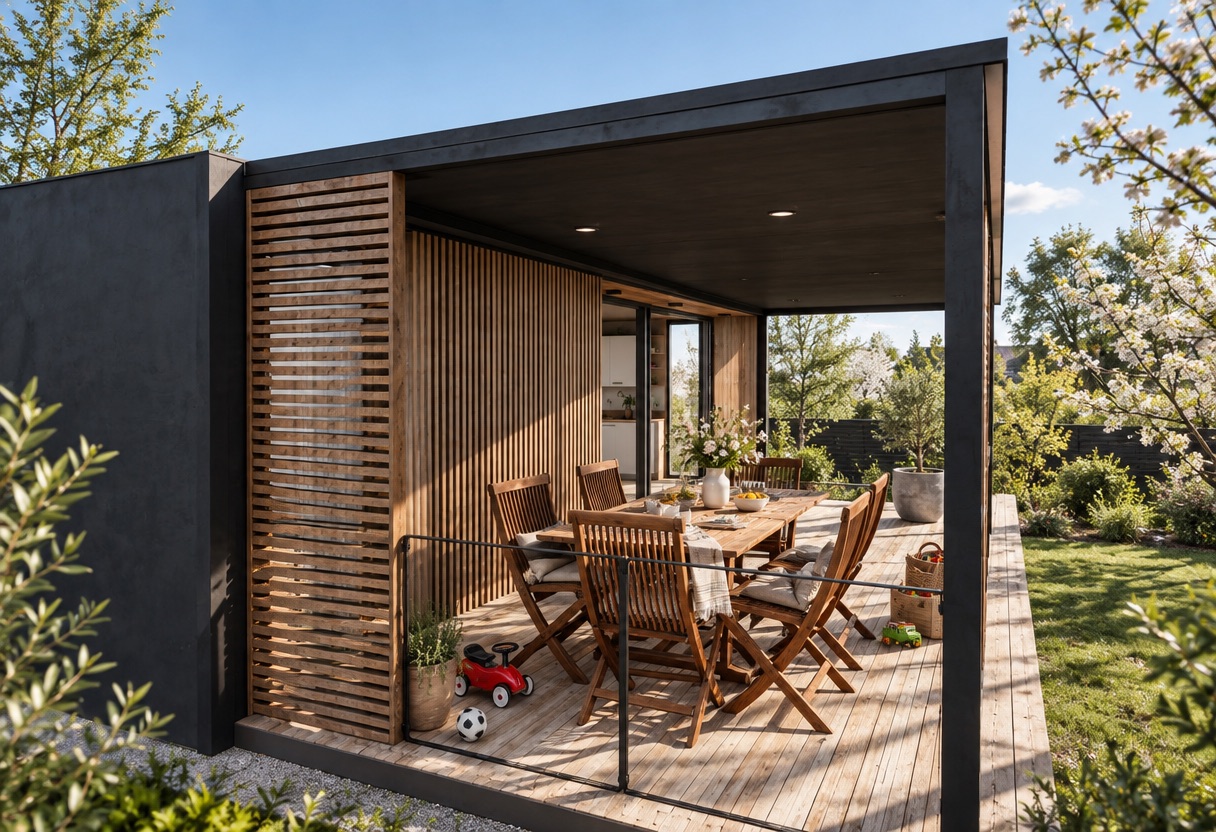
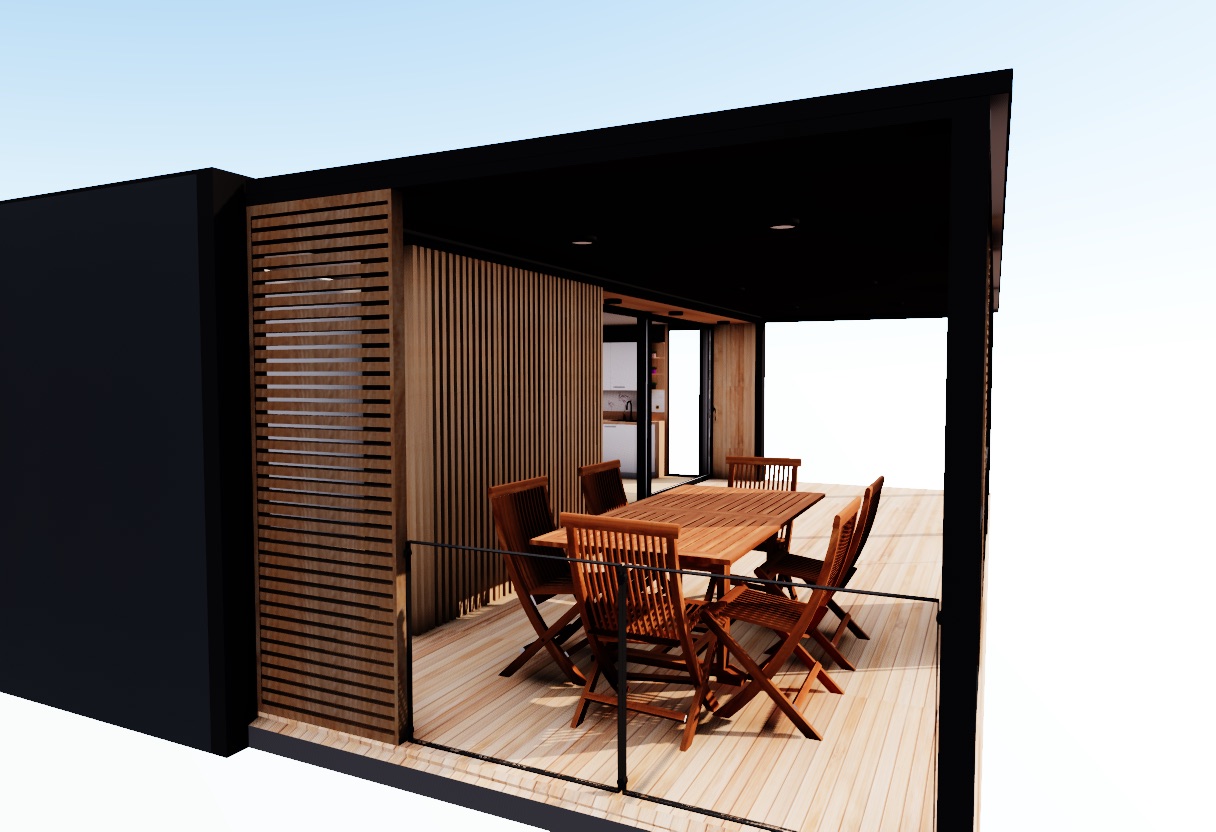
Import your model, set the site, the season and the hour, and frame the shot. airp turns that exact frame into an architectural photograph — same camera, same composition, in the light you chose.

25 credits to start · no card · runs in your browser
The render: the same deck, now with planting, a real sky and dressed for useThe viewport: a garden room deck as modelled, in the browseryour viewportthe render
same camera · 1216 × 832 · spring, 16:08
ImportsGLBFBXOBJDAE3DSSTLPLYUSDBlenderIFC soon
How it works

Three inputs. One frame.

No render settings to learn. Leave everything alone and you still get a good image — the site, season and hour write most of the prompt for you.

01

Drop in your model

Whatever you model in. It is converted, scaled to metres and stood upright as it loads — and only the geometry is read, never your site or sun.

garden-room.fbx840k trisfile says m · looks like cmfixedchecked against a 1.75 m figureok
02

Set the sun

Pick the site, the season and the hour. The sun is computed from your latitude, date and north — drag the time and the shadows move with it.

16:09sun 17.8° · London, spring
03

Frame it and render

The viewport is locked to the output's shape and the render uses the same camera, so nothing is cropped that you didn't see.

1216 × 832high · ~18 s
Built to be trusted

An image you can put in front of a client.

A generator will happily invent a better building than the one you drew. These are the rules that stop it.

Your building stays your building

Protect it and its pixels come back untouched. Only the ground, planting, horizon and sky are regenerated — a guarantee, not a suggestion.

The light agrees with the sun

The render is told how high the sun sits, which side it lights from and how long the shadows run — computed from your site, not guessed.

References for mood, never for content

Add a photograph whose light you like. Its atmosphere and grain carry over; its building, its layout and its materials never do.

Every render remembers how it was made

Camera, sun, site and the exact prompt are saved with each image, so you can come back to one and know why it looked the way it did.
Pricing

Explore free. Pay per render.

Moving through your model never costs anything. Credits are spent only when you render an image, and a render that fails gives them back.

Free$025 credits, once
  • No card, no watermark
  • Every format, renders up to 1K
  • Credits never expire
Start free
Studio$39a month120 credits a month
  • For one architect
  • About $0.98 a High render
  • Resets on the 1st of each month
Start Studio
Practice$99a month400 credits a month
  • 3 seats sharing one balance
  • About $0.74 a High render
  • 4K upscale
Start Practice
Top-up$15once40 credits
  • Never expire
  • On any plan, Free included
  • For the month you run over
How top-ups work
A credit buysLow render · 1Standard render · 2High render · 34K upscale · +2Exploring the viewport · freeFull pricing →

Render the building you've already modelled.

Start free