Open a 3D view
FBX export only works from a 3D view, not a plan, section or sheet. Hide what the camera will never see.
Export the 3D view you have already set up, drop the FBX in, and set the site, the season and the hour. Heliodon renders the frame you compose — no render engine to learn, no plug-in to install and no graphics card to buy.
10 free credits · no card · runs in your browser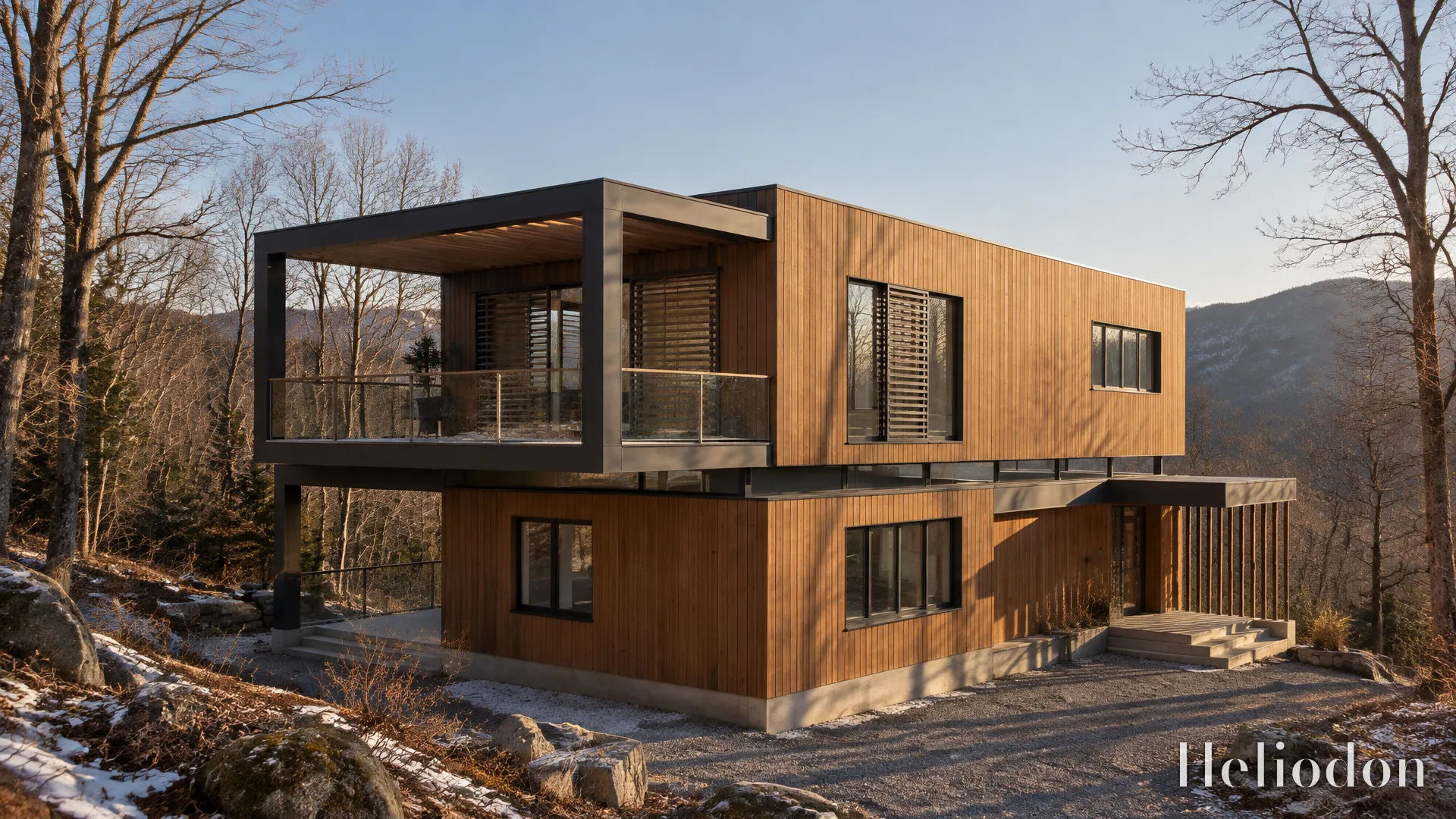
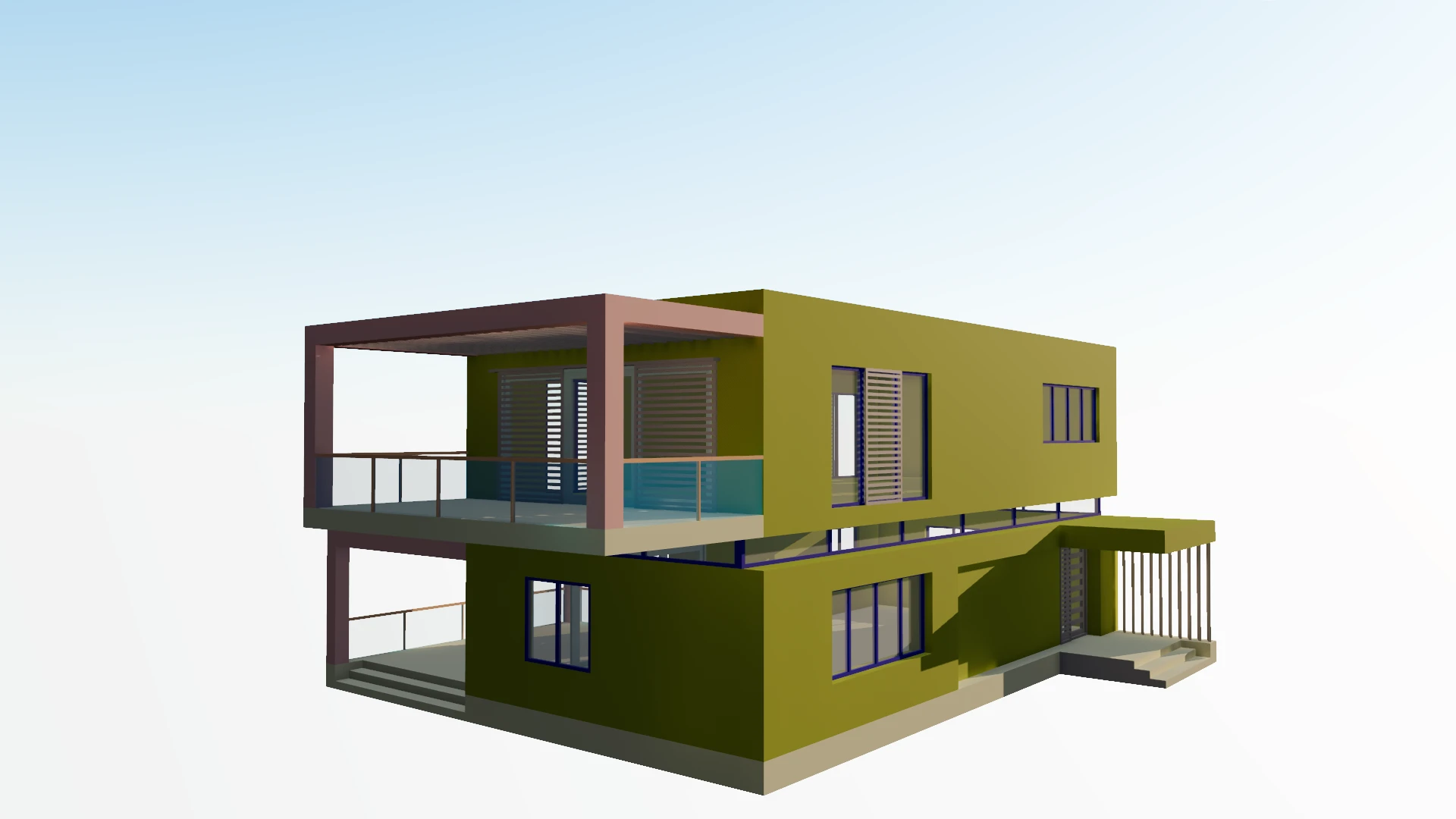 your viewportthe render
Revit already writes the file Heliodon reads. The only setting that matters is which view you export from.
FBX export only works from a 3D view, not a plan, section or sheet. Hide what the camera will never see.
File › Export › FBX. Revit writes what that view shows, so the model you see is the model you get.
Upload the .fbx to a project. It is checked against a 1.75 m figure as it loads, so wrong units are caught, not rendered.
Pin the site, pick the season and hour, frame the shot and press Render. The sun comes from your site, not a preset.
Four things that decide whether the render looks like your building or like a file conversion.
Furniture families, entourage, linked models and imported CAD all go into the FBX if the view shows them. Turn off what you don’t need in Visibility/Graphics; the file gets smaller and opens faster.
Revit’s appearance assets don’t travel cleanly through FBX. When a model arrives untextured, Heliodon asks for a palette of real materials rather than rendering every wall in its placeholder colour.
Whatever the file says, its size is compared with a person-sized figure. If it reads wrong, the scale assist offers the likely fix in one click.
After a design change, bring the new FBX in with Replace model. It becomes a new version, and your cameras, site and sun stay where they were.