Less than Lumion.
On purpose.
Lumion is a full visualisation studio: animation, a large object library and control over every material, on a Windows PC with a strong graphics card. If what you need is a convincing still of your own design, Heliodon gets you there in a browser, on any computer, and you pay per image.
10 free credits · no card · runs in your browser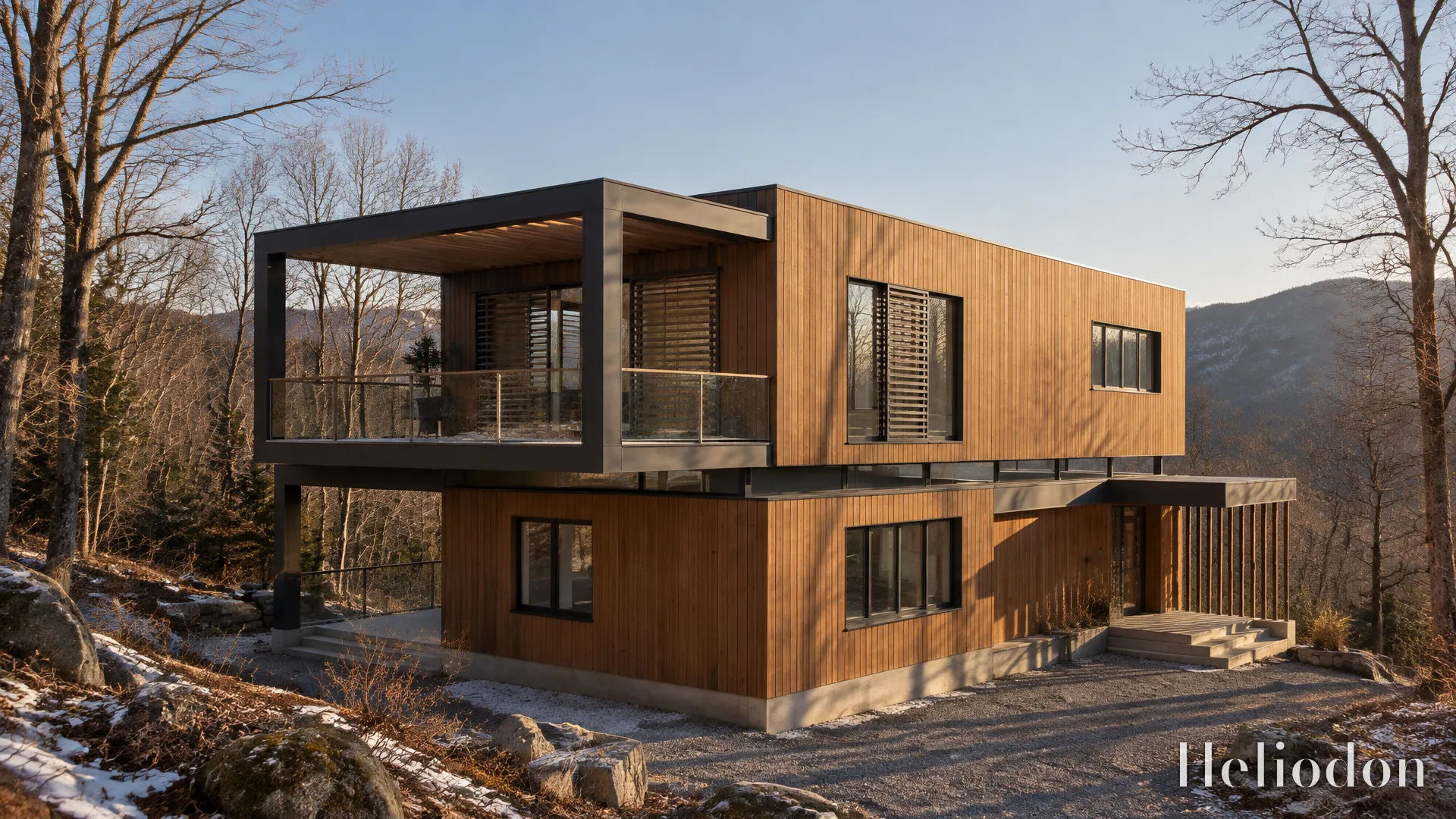
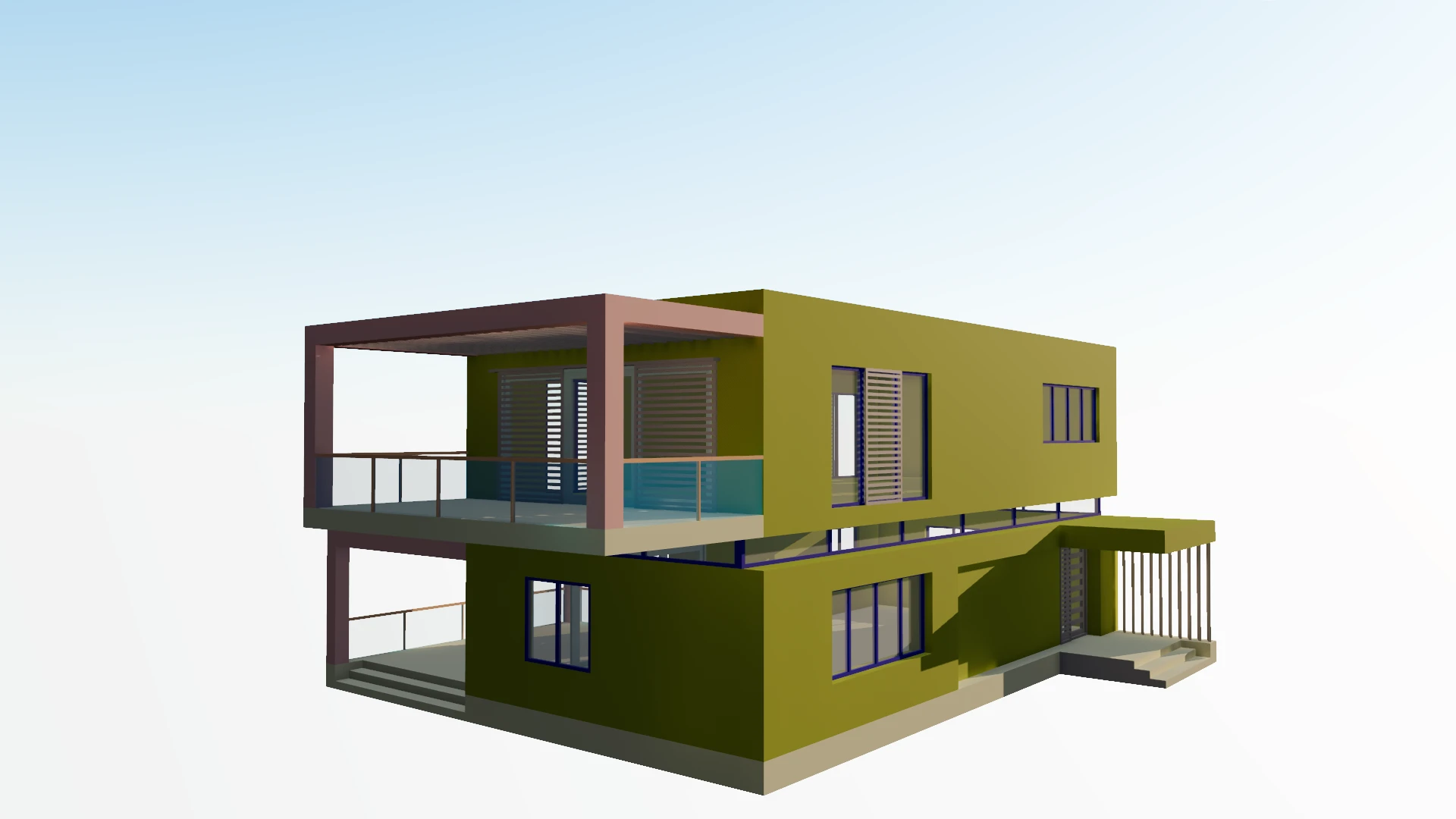 your viewportthe render
Two different tools.
| Lumion Pro | Heliodon | |
|---|---|---|
| Runs on | A Windows 10 or 11 PC. On a Mac, “not officially supported” | Any computer with a current browser, Mac included |
| Hardware | A dedicated graphics card does the rendering — an RTX 3060 class card and 32 GB of memory recommended | Whatever draws your screen; the render is made on our servers |
| Price | Pro: about $1,149 a year, by subscription | 10 credits free, then $24.99/month, or top-ups from $15 with no subscription |
| Output | Stills, video and 360° panoramas | Stills only |
| AI | An image enhancer, upscaler and material generator, applied to Lumion’s own renders | The render itself is made by an image model, from your framed view and your site’s sun |
| Setting up a scene | Materials, objects, lighting and effects, placed and tuned by you | Site, season and hour; the planting, sky and dressing are generated |
| Same view, twice | Renders the same image again | Each render is made fresh, so details differ between two renders of one frame |
When to stay with Lumion.
Heliodon does not do everything Lumion does, and isn't trying to. Keep Lumion if one of these is your work.
You need animation
Walkthroughs, flyovers and phasing films are Lumion’s home ground. Heliodon makes stills only.
Every tree has to be placed
Lumion lets you put each tree and figure exactly where you want it. Heliodon generates the landscape around your building, and you steer it in words.
The image must repeat exactly
Lumion renders the same scene the same way twice. An AI render is made fresh each time, so two renders of one frame differ in their details.
Your scenes live in Lumion
Years of dressed scenes, saved materials and presets stay where they are. Heliodon starts from the model, not from a Lumion file.
When Heliodon fits better.
For the still you need this week, from the model you already have.
You design on a Mac
Lumion Pro needs Windows. Heliodon runs in Safari — rendering on a Mac.
There is no graphics card
The render is made on our servers, so a laptop is enough.
You want an image, not a scene
No objects to place and no render settings to learn: frame the view, set the hour, render.
You render now and then
Pay per image instead of a yearly licence. Moving through your model never costs anything.
Questions
- Is Heliodon a replacement for Lumion?
- For stills of your own design, often. For animation, VR or hand-placed landscaping, no — Lumion does those and Heliodon does not.
- How much does Lumion cost?
- Lumion Pro is sold by subscription, about $1,149 a year in the US at the time of writing (October 2026). Prices vary by region; lumion.com has yours.
- Does Heliodon need a graphics card?
- No. The model is shown in your browser on the graphics chip your computer already has, and the render is made on our servers.
- Is there a free Lumion alternative?
- Heliodon starts with 10 free credits and no card. Free renders carry a small Heliodon mark in the corner until your first purchase.
- Can I use Heliodon and Lumion together?
- Yes. They read the same exports — FBX, Collada, OBJ — so one export can go to each, and each can do what it is best at.