Export Selected
File › Export Selected, then FBX or OBJ. Only what you picked goes out, so the upload stays the size of the building.
Export from Rhino for Windows or Mac, drop the file in, and set the site, the season and the hour. Heliodon renders the frame you compose with the sun where it would really be — no render engine, no plug-in and no graphics card.
10 free credits · no card · runs in your browser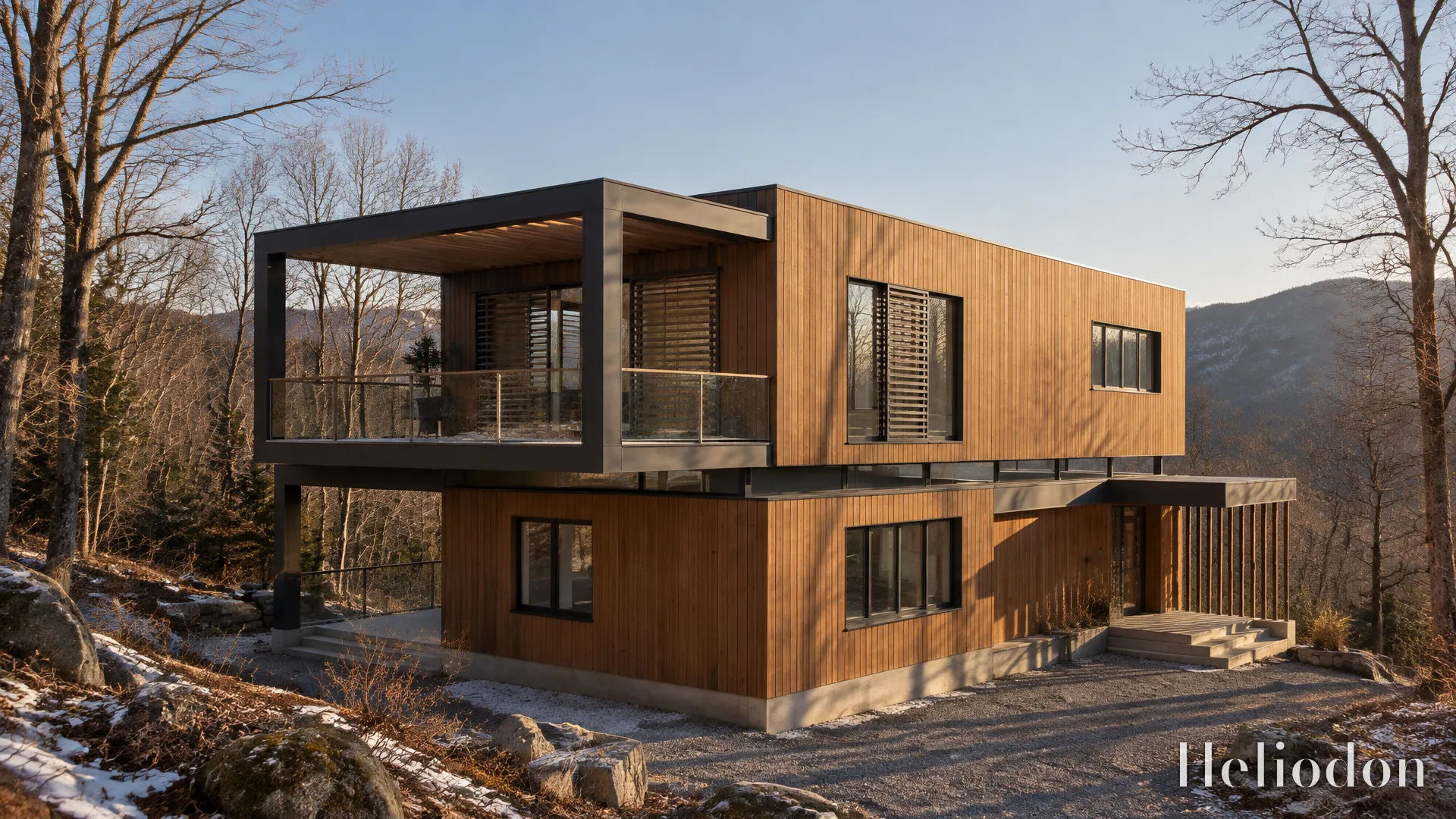
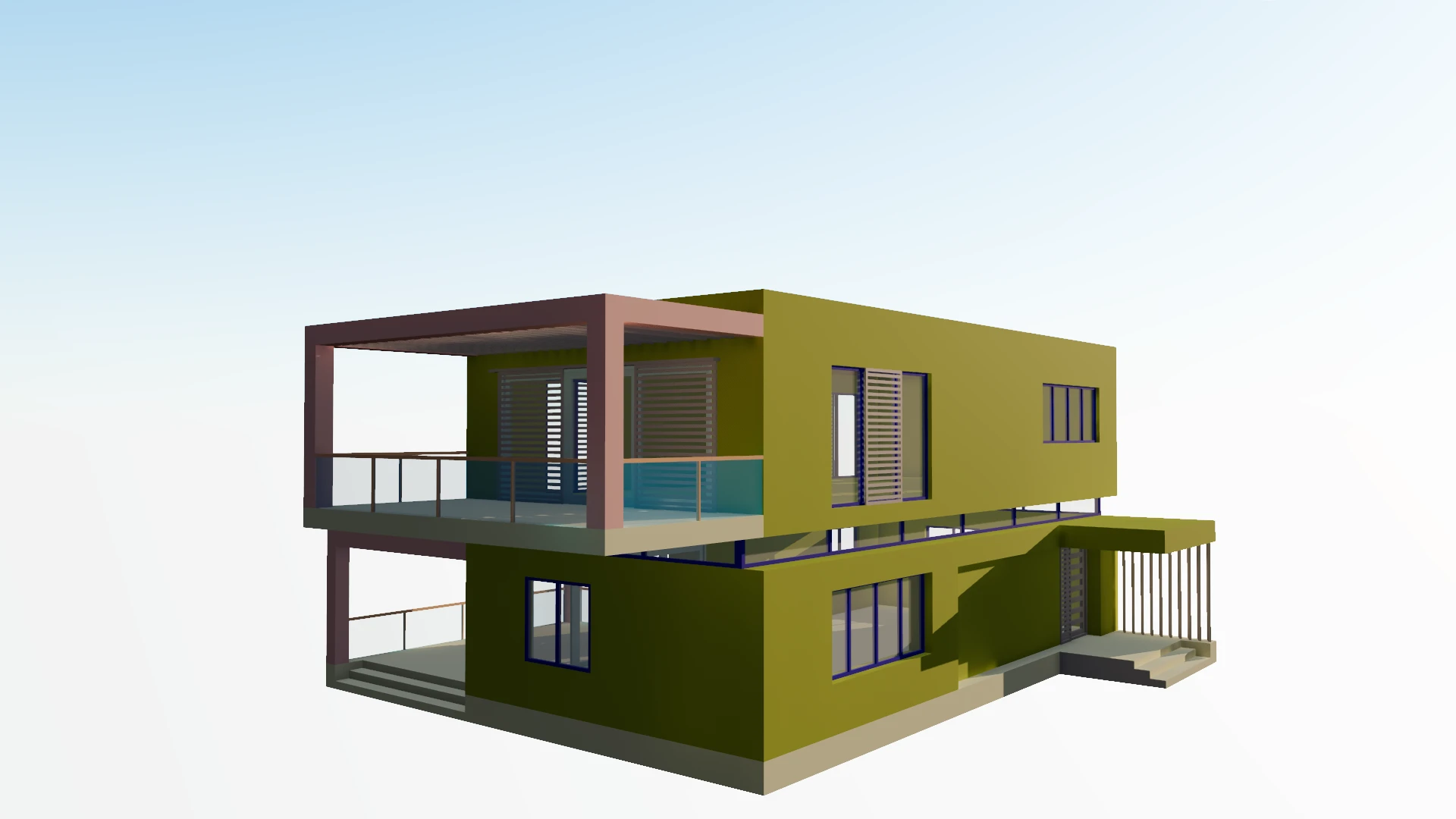 your viewportthe render
Rhino turns your surfaces into a mesh as it exports. Get that one setting right and the rest is framing.
File › Export Selected, then FBX or OBJ. Only what you picked goes out, so the upload stays the size of the building.
Curves are only as smooth as the mesh. Fine enough for the closest thing the camera sees; no finer.
Upload, pin the site, pick the season and hour, frame the shot and press Render. The light comes from your site’s latitude and north.
NURBS modellers have their own ways of surprising a renderer. These are the ones worth knowing first.
Geometry Grasshopper only previews isn’t part of the document, so it isn’t exported. Bake what you want rendered, then export.
A column or a curved wall that arrives in flat strips was meshed too coarsely on export. Export again with a denser polygon mesh.
FBX carries Rhino’s materials, gloss included. OBJ writes them to a separate .mtl — zip the two with any textures.
Model in millimetres or metres: the size is compared with a 1.75 m figure as it loads. A model lying on its back is one click to stand up.