Your Mac: the model
Orbit, walk and frame the model in Safari, Chrome or Edge, on the graphics chip that already draws your screen. Nothing to install and nothing to keep updated.
Lumion Pro and D5 are built for Windows, and on a Mac the workaround is a second computer or a rented one. Heliodon is a web page: you frame the shot in your browser, and the render is made on our servers. The Mac you already design on is enough.
10 free credits · no card · runs in your browser
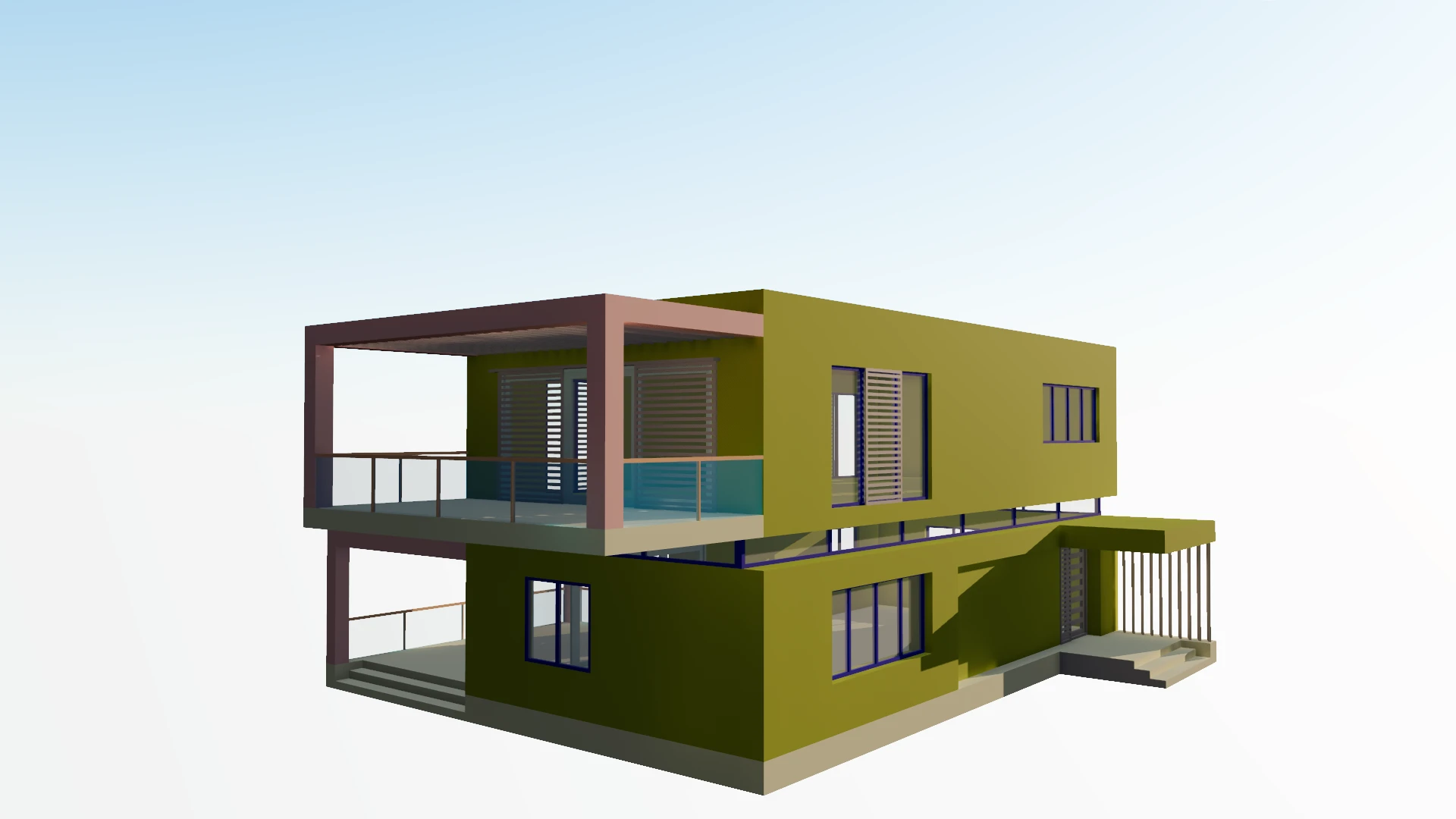 your viewportthe render
The heavy part of rendering never touches your machine, which is why it doesn't matter which Mac you have.
Orbit, walk and frame the model in Safari, Chrome or Edge, on the graphics chip that already draws your screen. Nothing to install and nothing to keep updated.
Press Render and the exact frame you set is sent to be rendered. Your laptop doesn’t heat up, slow down or sit tied to one long job.
The image arrives beside the viewport frame it came from, usually within a minute. Close the lid in the meantime if you like; it finishes without you.
Less than a desktop renderer would ask of a PC. These are the things worth knowing.
Safari 26 or later, or a current Chrome or Edge, gives the viewport WebGPU and its full lighting. An older browser still opens your model, with simpler light.
SketchUp, Rhino, ArchiCAD and Blender all run on macOS and all export something Heliodon reads — Collada or FBX from SketchUp, FBX or OBJ from Rhino, FBX from ArchiCAD, a .blend file as it is.
The model lives in your browser’s memory. Leaving hidden layers out of the export and keeping textures at the size you need helps on any machine.
There is no installer for IT to approve. Open the same project on the Mac at home and the PC at the office; it is where you left it.